Your Apps Aren't the Problem — Your Architecture Is
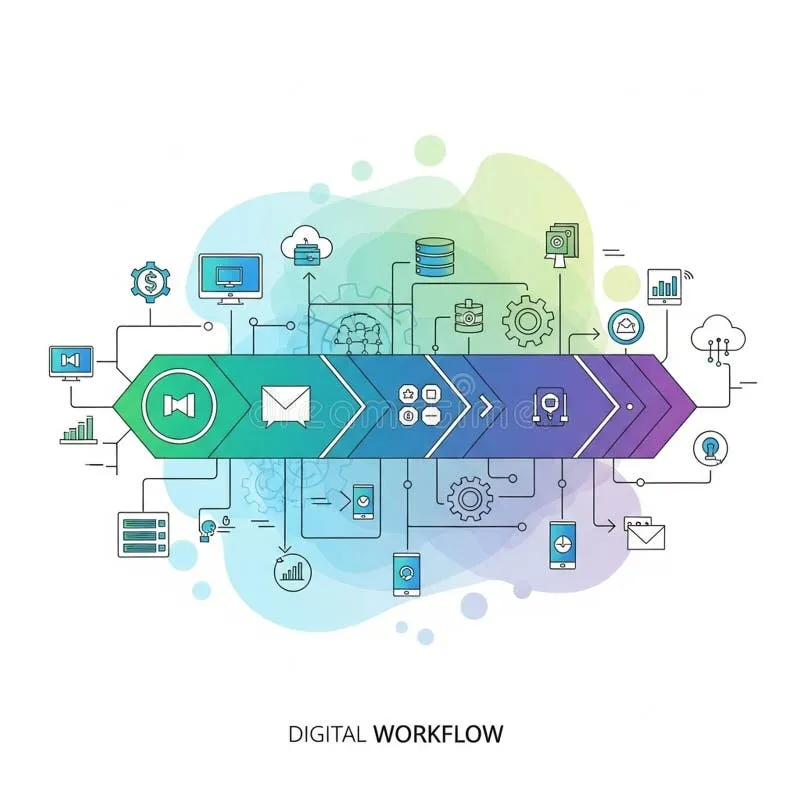
Photo: interconnected digital workflow diagram on computer screen, via thumbs.dreamstime.com
There's a familiar ritual that plays out every January, every new job, every post-vacation clarity spiral: you open your app drawer, feel a wave of overwhelm, and start deleting. Fewer tools, cleaner slate, fresh start. It feels productive. It rarely fixes anything.
Here at AppLinked, we spend a lot of time thinking about how apps connect — or fail to. And the pattern we keep seeing isn't that people have too many tools. It's that the tools they genuinely need aren't set up to work together. The result is a stack that looks functional on paper but creates invisible drag every single day.
Let's talk about what app sprawl actually costs you — and why the answer isn't always subtraction.
The Real Tax: Fragmented Data, Not Fragmented Attention
When productivity writers talk about app sprawl, they usually focus on context switching — the mental cost of jumping between Gmail, Slack, Notion, and your project management tool seventeen times before lunch. That's real. But it's the symptom, not the disease.
The deeper problem is fragmented data. When your tools don't share information, you end up maintaining parallel records of the same reality. A client's contact details live in your CRM, your email client, and a Notion page someone made six months ago. A project deadline exists in Asana, gets mentioned in a Slack thread, and then gets manually copied into a Google Calendar event. None of these sources trust each other, so you end up trusting none of them — and manually reconciling everything yourself.
This is what we'd call the duplicate-entry trap. It's not glamorous, but it's probably eating more of your week than you realize. Research from outfits like McKinsey and various workplace productivity studies consistently shows that knowledge workers spend a significant chunk of their time just searching for information or re-entering data that already exists somewhere else in their stack.
Cognitive Overhead You Can't See on a Time Sheet
Beyond duplicate data, there's a subtler cost: the mental overhead of operating multiple systems with different logic, different UI patterns, and different assumptions about how work should flow.
Every app has a mental model baked into it. Notion thinks about work as interconnected documents. Linear thinks about it as tracked issues. Basecamp thinks about it as conversations organized around projects. None of these models are wrong — but switching between them mid-task forces your brain to context-shift not just between windows, but between entire ways of thinking about what you're doing.
When your stack is well-integrated, those mental models start to blur together in a useful way. Data flows from one system into the next, notifications surface in the right place, and your brain doesn't have to hold the whole map in working memory. When it's not integrated, you become the integration layer — and that's exhausting.
Consolidation vs. Integration: Knowing Which Problem You Have
So how do you figure out whether your stack needs fewer apps or just better connections between the ones you have? Here's a simple diagnostic framework:
Step 1: Audit your data entry points. For one week, note every time you enter the same piece of information into more than one system. Client name, project status, meeting notes, deadlines — track the duplicates. If you're re-entering data more than a few times a week, you have an integration problem, not necessarily a sprawl problem.
Step 2: Map your notification landscape. Where do you actually find out that something needs your attention? If the answer is "everywhere and nowhere consistently," your tools aren't talking to each other effectively. A well-integrated stack surfaces the right alerts in the right place — usually one primary inbox or dashboard.
Step 3: Identify your switching triggers. When you jump between apps, what forces the switch? If it's because you need information from one tool to complete a task in another, that's an integration gap. If it's because two tools are doing the same job, that's redundancy — and that's when consolidation makes sense.
Step 4: Stress-test your workflows. Pick your three most critical recurring workflows — weekly planning, client onboarding, project kickoff, whatever fits your work — and trace every step. Where does information get handed off manually? Where do things fall through the cracks? Those friction points are your architecture's weak spots.
When Consolidation Actually Makes Sense
All that said, sometimes you genuinely do have too many apps. The tell is redundancy: two tools doing the same job for historical reasons, a legacy app nobody uses but nobody's killed, a subscription that made sense for a project that ended eight months ago.
Consolidation is the right call when:
- Two or more tools serve functionally identical purposes and your team uses them inconsistently
- A newer tool in your stack already covers the functionality of an older one
- A tool exists in isolation with no integrations and no realistic path to building them
But even then, the goal isn't minimalism for its own sake. The goal is a stack where every tool earns its place by either doing something unique or connecting well with the tools around it.
Building a Stack That Actually Connects
Once you've diagnosed your architecture problems, fixing them is more approachable than it sounds. Native integrations — the built-in connections between tools like HubSpot and Gmail, or Slack and Asana — are your first stop. They're usually the most stable and require the least maintenance.
When native integrations don't exist or don't do what you need, middleware platforms like Zapier, Make (formerly Integromat), or n8n can fill the gaps. The key is building automations that eliminate specific duplicate-entry moments you identified in your audit, rather than automating for the sake of it.
For teams with more complex needs, a lightweight data layer — something like Airtable acting as a central source of truth that other tools pull from — can dramatically reduce fragmentation without requiring everyone to work in the same app.
The Bottom Line
The next time you feel the urge to purge your app list, pause and ask a different question: are these apps failing me because there are too many of them, or because they're not set up to work together? More often than not, it's the latter.
A bloated stack with good integrations will outperform a minimal stack where every handoff is manual. The goal isn't fewer apps — it's a connected stack where information flows where it needs to go, and you're not the one carrying it there.