The Interest Rate on Your Attention: Auditing the Alerts That Nickel-and-Dime You
Photo: Océanos y dados, CC0, via Wikimedia Commons
Most app audits are accounting exercises. You count subscriptions, scan permissions, and maybe cancel a streaming service you forgot you had. That is useful, but it misses a daily charge that never shows up on a statement: the attention your apps take without asking.
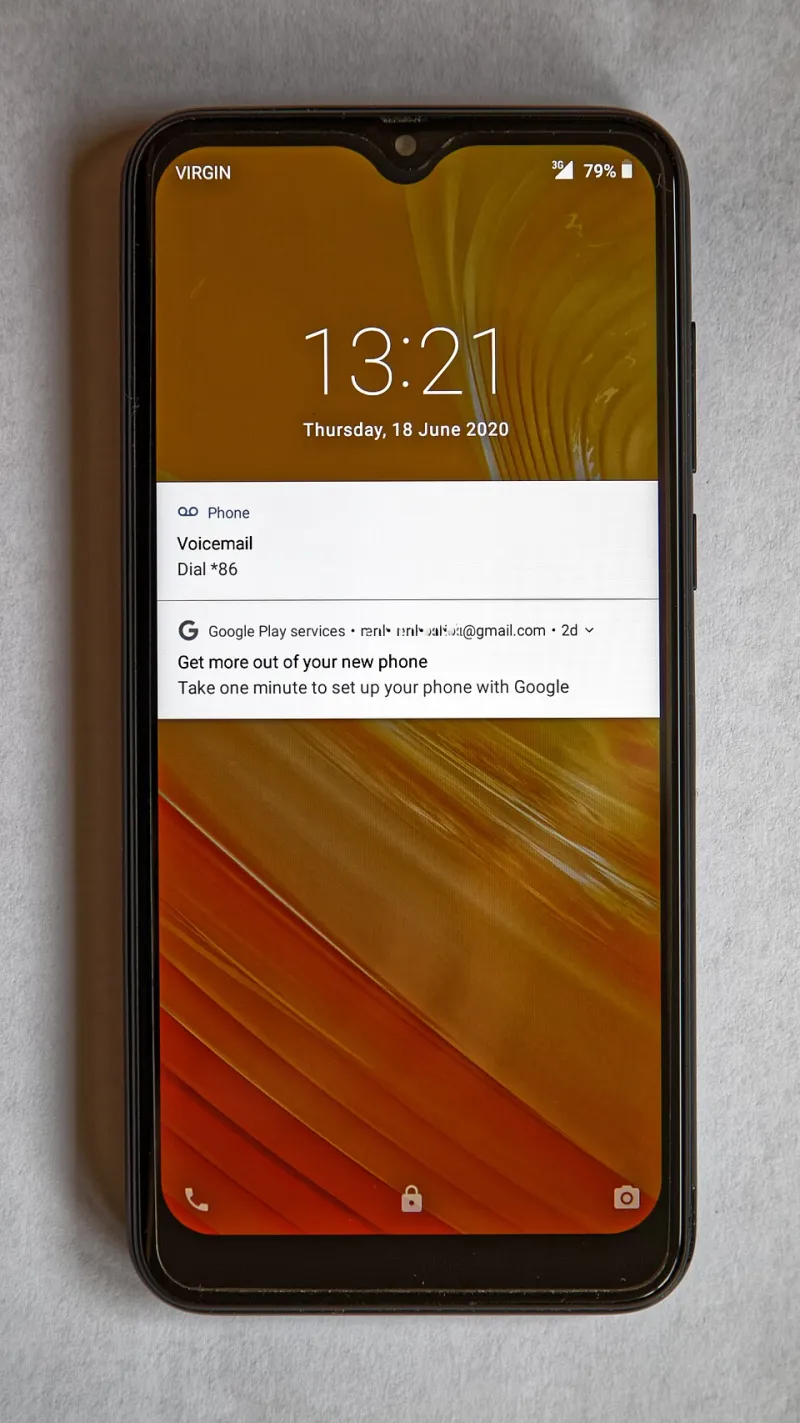
Call it notification debt. Every banner, badge, vibration, and re-engagement nudge is a small loan against your focus. Most of them are low-value. A few are genuinely important. The problem is that apps treat both categories with the same urgency, and your brain pays the interest.
Why counting notifications is not enough
A raw notification count tells you almost nothing. Twenty alerts from a group chat may matter less than one fraud warning from your bank. A single delivery update can be worth more than fifty promotional pings. What you need is a way to rank interruptions by what they cost and what they protect.
The worksheet below uses three inputs:
- Frequency: How many times per day the app interrupts you.
- Urgency: How quickly you need to act, on a 1 to 3 scale.
- Recovery time: How many minutes it takes to get back into your work or conversation after you check it.
The debt score is simple: frequency multiplied by urgency multiplied by recovery time, divided by 10. You are not aiming for scientific precision. You are aiming for a defensible ranking you can act on.
The notification-debt worksheet
| App category | Example | Interruptions/day | Urgency (1-3) | Recovery (min) | Debt score |
|---|---|---|---|---|---|
| Banking | Chase fraud alert | 1 | 3 | 4 | 1.2 |
| Banking | Chase promotional offer | 2 | 1 | 2 | 0.4 |
| Delivery | DoorDash order status | 4 | 2 | 2 | 1.6 |
| Delivery | DoorDash come-back nudge | 1 | 1 | 3 | 0.3 |
| Health | MyChart appointment reminder | 1 | 3 | 5 | 1.5 |
| Health | Wellness newsletter push | 1 | 1 | 4 | 0.4 |
| Workplace | Slack direct mention | 6 | 3 | 6 | 10.8 |
| Workplace | Slack channel chatter | 30 | 1 | 5 | 15.0 |
| Social | Instagram like | 20 | 1 | 4 | 8.0 |
The exact numbers will vary by person. A parent with a kid in school may rank a school app higher than a social app. Someone on call for work may need Slack to behave like a pager. That is the point: the worksheet forces you to say what you actually need, not what the app assumes.
The three tiers that fix most of the mess
Once you have scores, sort your apps into three notification tiers.
Tier 1: Paging alerts. These are allowed to break through focus modes and make noise. Think bank fraud, a delivery driver at the door, a medication reminder, or a direct mention from your boss during work hours. Keep this list short. If everything is Tier 1, nothing is.
Tier 2: Digest alerts. These can wait for a scheduled summary or a quiet moment. Appointment reminders, package delays, statement-ready notices, and non-urgent work updates fit here. On iPhone, use Scheduled Summary. On Android, use notification channels and Focus modes to batch them.
Tier 3: Muted by default. Marketing pushes, streak reminders, social likes, and most re-engagement nudges belong here. You can still open the app when you want it. You just do not let it open you.
A 30-minute settlement plan
Pick a weeknight and do this on the phone itself, not on a laptop. Open Settings, then Notifications, and go app by app. For each one, ask three questions: Does this alert require action today? Would I miss something real if it disappeared? How long does it take me to recover after I check it?
Then rebuild the tiers. Turn off badges for anything that is not Tier 1. Badges are especially sneaky because they create a low-grade itch even when the app is closed. Move delivery and health reminders to a summary if the app allows it. For workplace apps, separate direct mentions from channel noise using in-app notification settings first, then system settings.
Finally, schedule a five-minute weekly check. New apps love to opt you into everything during onboarding. Notification debt grows quietly. A short weekly pass keeps it from compounding.
The payoff is not silence
The goal is not a perfectly quiet phone. The goal is a phone that charges you less attention for the things that do not matter, so it can interrupt you for the things that do. Settle the small debts and the important alerts get louder.